Free template
Job application tracker for Excel or Google Sheets
People managing several job, internship, learnership or bursary applications.
Sduella ·
Use one row for each application. Keep the original advert link, the deadline, the application date and the version of the documents you sent together. The most useful column is Next action: it tells you what to do when you reopen the sheet.
The download is a plain CSV file with named columns and no macros or formulas. Excel and Google Sheets can open it. Save a working copy in your spreadsheet application's usual format if you add formatting, filters or extra sheets.
What is in the template
Replace the square-bracket prompts with your own information and remove sections you do not need.
Organisation,Role or programme,Reference,Listing URL,Closing date,Date applied,Status,Document version,Interview date and time,Next action,Action due,Notes
,,,,,,,,,,,
Open and fill the tracker
In Excel, open the CSV and check that the header names appear in separate columns. In Google Sheets, create a sheet and use File, Import to upload the CSV. Choose a comma separator if the application asks.
Add the role or programme and original listing URL as soon as you decide to apply. Record the closing date in a consistent format such as 2026-11-05. Where a closing time matters, put that time and time zone in Notes.
Record the next action precisely
Use statuses that describe where the application is: Preparing, Submitted, Interview invited, Interview completed or Closed. Put the actual task in Next action, such as upload the requested transcript or practise an example about teamwork.
After sending an application, record the filename or version of the CV and letter you used. Before an interview, reopen those documents. This prevents preparing from a different version than the one the interviewer has.
Keep an application log without duplicating private documents
The sheet can hold filenames and notes; it does not need copies of identity documents, banking details or reference contacts. If you share it with a career adviser, review the rows and notes first. You can also keep opportunities in Sduella's Saved tab while using the sheet for your own application steps.
Final check
- Every active row has a listing link and a next action.
- Dates use a consistent format.
- Submitted document versions are recorded.
- Closed applications are marked so they do not obscure current tasks.
Useful next resources
Editable template
CV and résumé template with no work experience
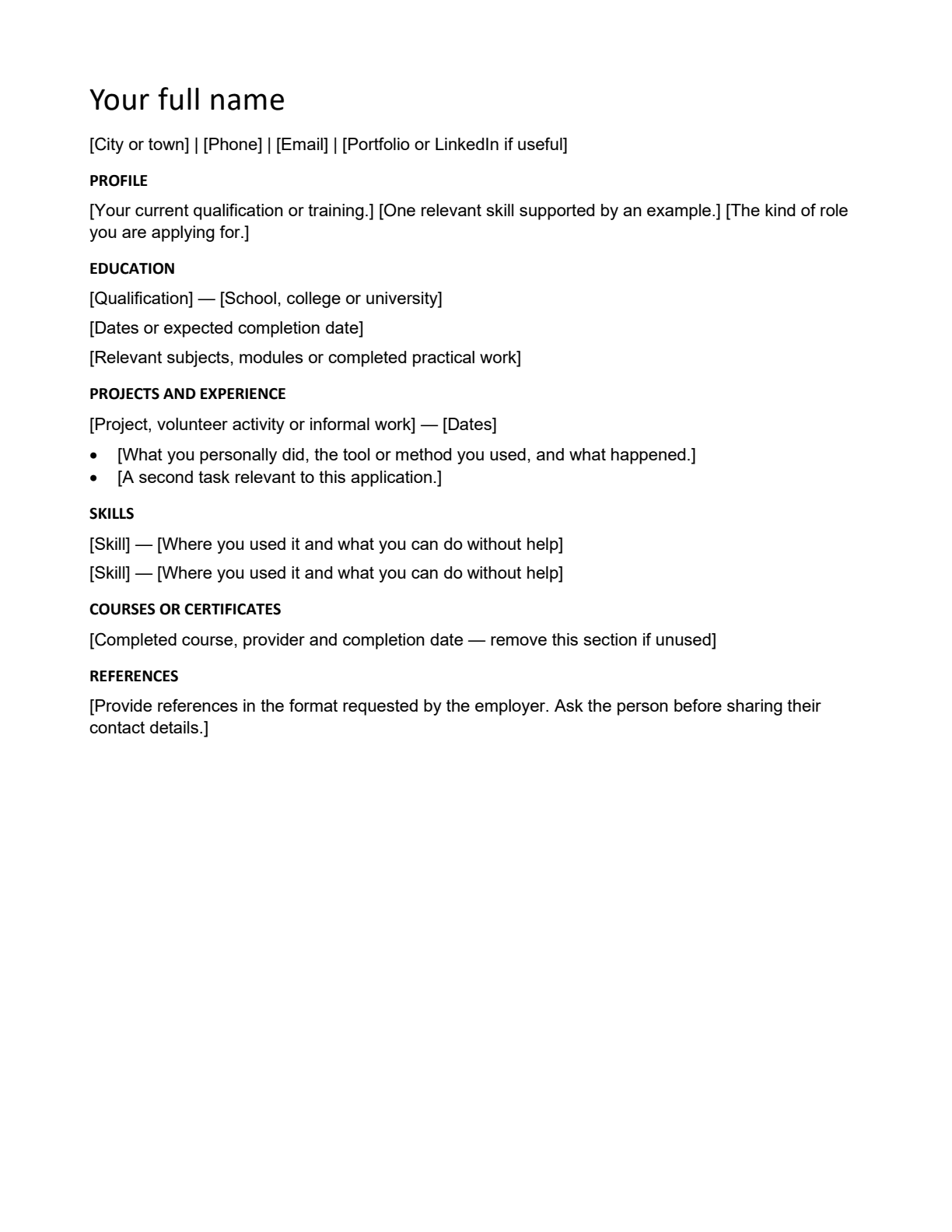
Download an editable CV or résumé for your first job. Turn school projects, volunteering and informal work into useful evidence, with a worked CV bullet example.
Use it for: First-job applicants, school leavers and students applying for internships or learnerships.
Word · PDF · Free download
Open resource and instructionsEditable template
Cover letter template and writing guide
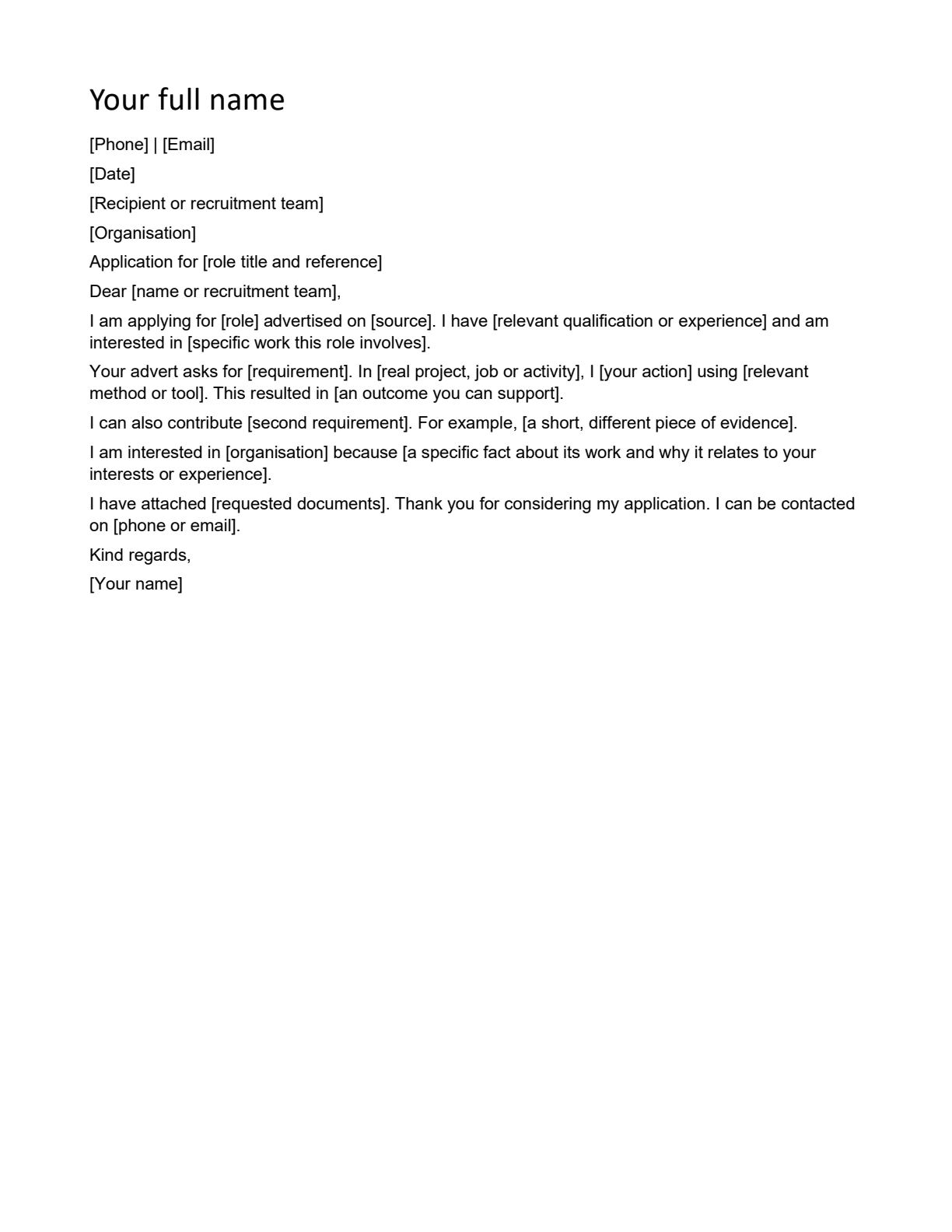
Download a cover letter template and learn what each paragraph should do. Connect the employer's requirements to real examples from your own work or study.
Use it for: Applicants who are asked for a cover letter or supporting letter with a CV.
Word · PDF · Free download
Open resource and instructionsEditable template
Interview preparation checklist and planning sheet
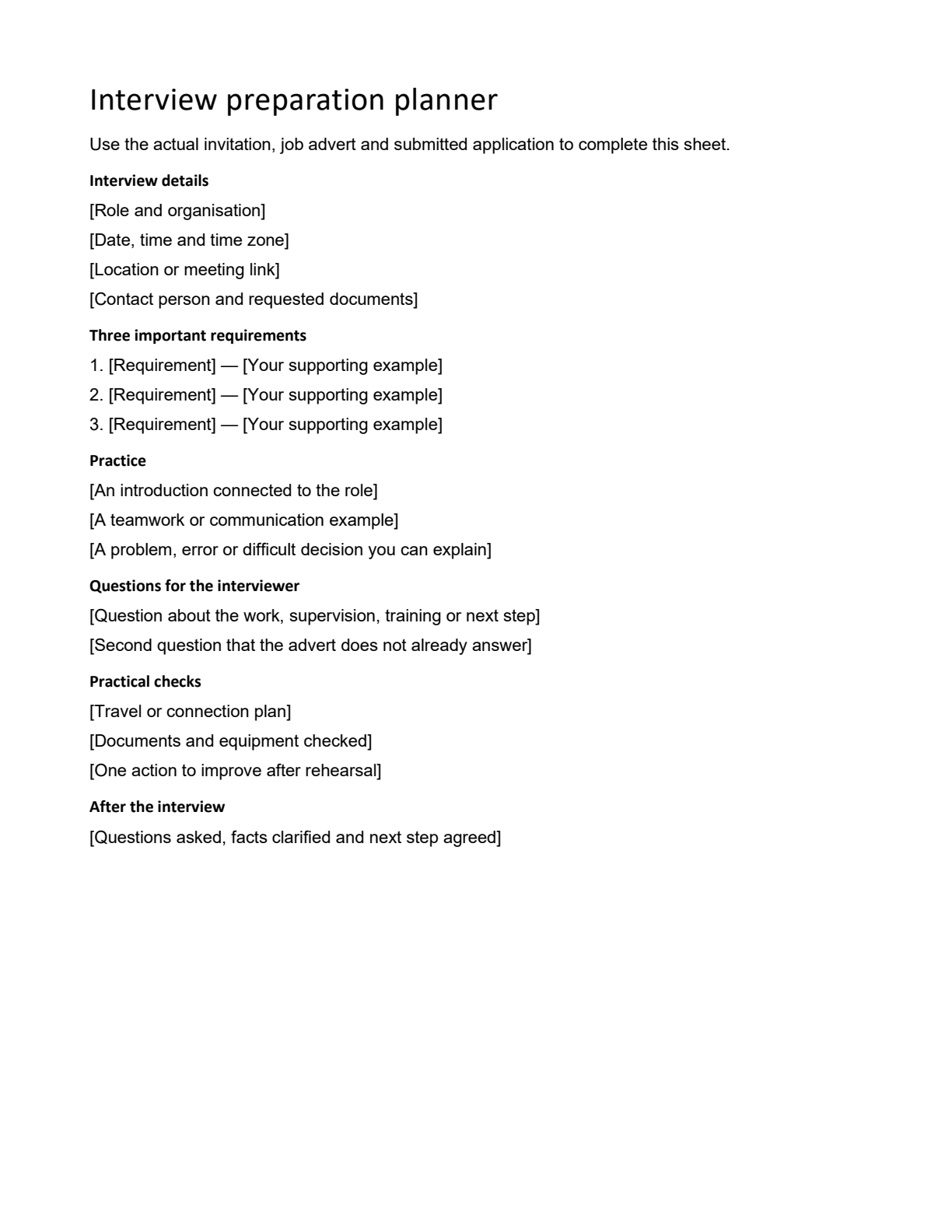
Prepare a job interview with a practical checklist: read the role, choose evidence, practise answers, confirm logistics and plan questions for the interviewer.
Use it for: Applicants with an interview invitation who need a preparation plan.
Word · PDF · Free download
Open resource and instructions